

Privacy
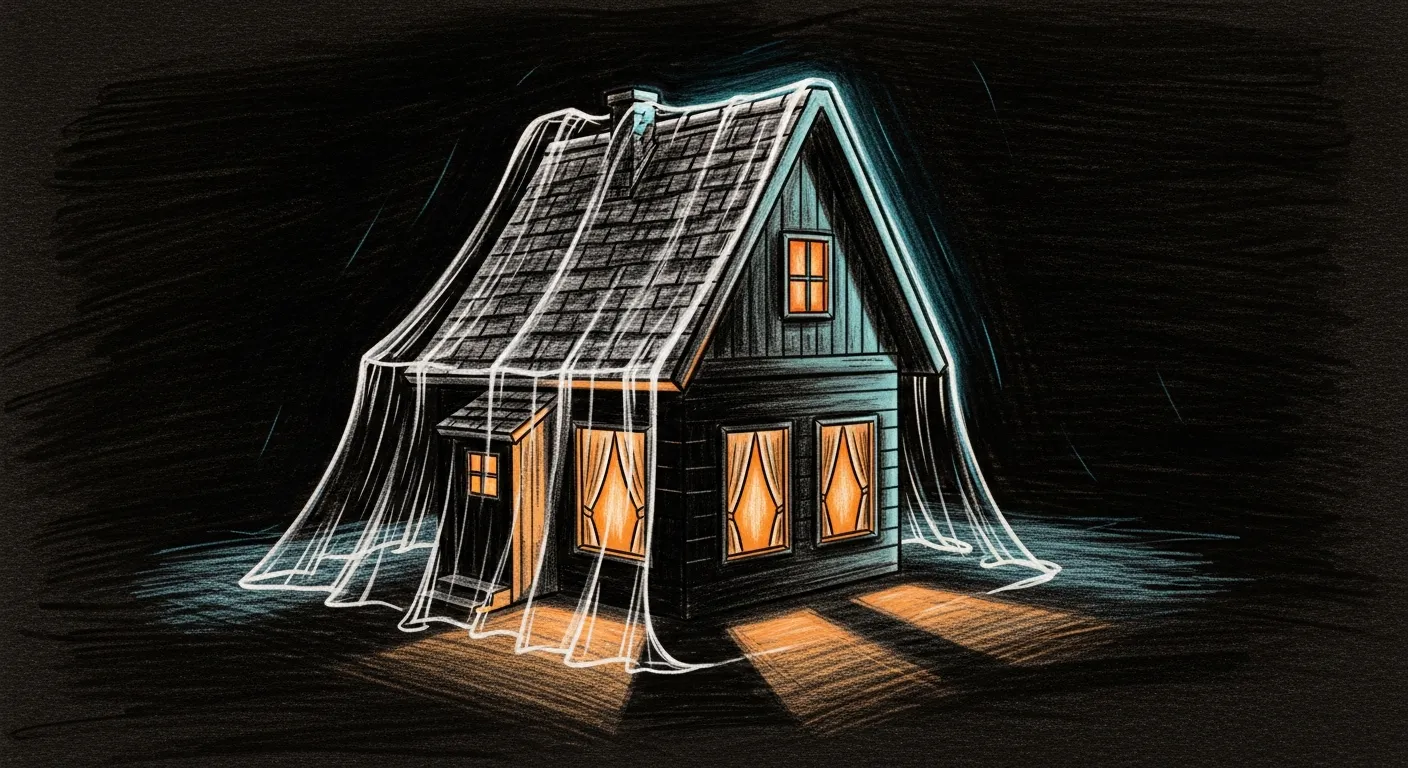
A wooden chest sits on the desk, three brass keyholes, nothing spilled. Beside it, Tommy — the haus’s Abyssinian, now a force-ghost — keeps one paw on a ledger titled what crossed the threshold. The ledger is short. We work to keep it that way: Sanctum is opinionated about your data, and as much of it as possible stays on hardware you own. What follows is the operator’s honest accounting of the few things that do cross, where they go, and who can read them.
Five rows. Then the details, for anyone who — on a privacy page especially — refuses to trust a summary table.
| Category | Where it lives | Who can read it |
|---|---|---|
| Sanctum’s own audit logs, agent memory, R2D2 history | ~/.sanctum/ on your Mac | You. Period. |
| LLM inference (Claude / Gemini / local) | Local cathedrals when configured; otherwise via the API of the model vendor you chose | Vendor, per their terms. Local stays local. |
| Backup snapshots | The cloud bucket you configured (Cloudflare R2 / Backblaze B2 / Google Drive) | You + the cloud vendor + anyone you give the encryption key to. Backups are encrypted with a key only you control. |
| Telemetry from sanctum-cli itself | Nothing. There is no phone-home. | — |
| Install analytics | Nothing. The old installer had an opt-in pixel; we removed it. | — |
What sanctum-cli sends, and to where
Section titled “What sanctum-cli sends, and to where”Nothing, unless you explicitly configure it. No analytics pixel. No anonymous-usage telemetry. No opt-out backdoor that’s actually opt-out-after-an-error-once. The ~/.sanctum/telemetry/cli.jsonl file mentioned in the source is a local command-log — it stays on your Mac and is gitignored.
When you DO configure things, two doors open, and both are locked from your side:
- Cloud backup — your sanctum data is encrypted on your Mac with restic (AES-256, your operator-chosen passphrase) and uploaded to whichever bucket you set up during
sanctum onboard. Cloudflare R2 / Backblaze B2 / Google Drive can see the ciphertext blobs. None of them can read the contents without your passphrase. The full recovery story lives in Backup & Restore. - LLM providers — if you chat with Claude / Gemini, those prompts go to Anthropic / Google per their terms. Local cathedrals (Yoda 35B on
:1337, Coder-14B on:1338) keep the prompt and the reply on your Mac. Nothing leaves.
Credentials we ask you for, and what they grant
Section titled “Credentials we ask you for, and what they grant”All credentials live in macOS Keychain (security find-generic-password -s sanctum/...). The bundle is mode 600. None of these are sent anywhere by Sanctum itself — they’re stored locally so the CLI can use them when you ask it to, and not one second before.
| Credential | What it grants Sanctum | What it would grant someone who stole it |
|---|---|---|
sanctum/openrouter-api-key | Routing through OpenRouter for council members | The credit-limited budget you set on the OpenRouter dashboard |
sanctum/anthropic-api-key | sanctum chat via Anthropic API | Same — capped by your Anthropic console |
sanctum/gemini-api-key | sanctum chat via Google AI | Same |
sanctum/r2-* / b2-* | Read/write your backup bucket | Access to your encrypted backups (still ciphertext) |
sanctum/firewalla-bridge-token | Local Firewalla MSP API access | LAN-scoped; useless outside your network |
If your Mac is compromised, don’t deliberate. Run sanctum keys backup immediately to a separate device, then rotate these on the respective vendor dashboards. The sanctum keys backup bundle is AES-256-CBC + PBKDF2 with a passphrase you choose — keep that passphrase somewhere safe, like your password manager. How these keys stay in sync across stores is its own story: The Secrets Trifecta.
What we explicitly do not do
Section titled “What we explicitly do not do”- No analytics. Not anonymous, not aggregate, not “to improve product.” Nothing.
- No third-party crash reporting. Crashes land in
~/.sanctum/logs/. We don’t see them unless you paste them in a bug report. - No central account. You don’t sign in to Sanctum. There’s no “Sanctum login” anywhere.
- No recovery path through us. If you lose your encryption keys + the
sanctum keys backupbundle, the data is gone. There is nosanctum forgot-passwordbecause there is no party who could reset something. - No Apple data leaking through us. The two TCC anchors (Node.js Foundation + Bertrand Nepveu’s Developer ID) are how Sanctum reads iMessage / Calendar / Contacts databases for SanctumBridge. Those reads happen entirely on your Mac.
What we collect when you file a bug
Section titled “What we collect when you file a bug”You choose what to hand over, and the bug-report template asks for the least it can:
- sanctum-cli version (e.g.
v0.10.0) - macOS version + chip
- The output of
sanctum doctorandsanctum self-test(which list service names, port numbers, log file sizes — not contents) - Optional log excerpts (you choose which)
The form has a mandatory checkbox: “I have NOT pasted credentials.” When in doubt, redact. We’d rather have a partial report than your API keys.
The doctrine
Section titled “The doctrine”We learned this one the hard way. Sanctum’s first family-facing service made an honesty mistake in April 2026 — an API claimed success when the underlying enforcement had silently failed. The fix (sanctum-screen-time Layer 1) hardened into a doctrine: family-facing services must be honest, bounded, defense-in-depth, no silent failures. Privacy is a subset of that. We won’t claim “no data sent” when there’s an analytics pixel. We won’t claim “encrypted” when only the transport is encrypted. We won’t claim “you have control” when there’s a “reset everything” link on some vendor’s web console.
So hold us to it. If you find a privacy claim on this page that doesn’t match what Sanctum actually does, file an issue. We’ll either fix the code or fix the claim — but the page and the code stay matched, and Tommy’s ledger stays short. That’s the whole arrangement, and it’s the one contract in this haus that never needs renegotiating.