

Installation
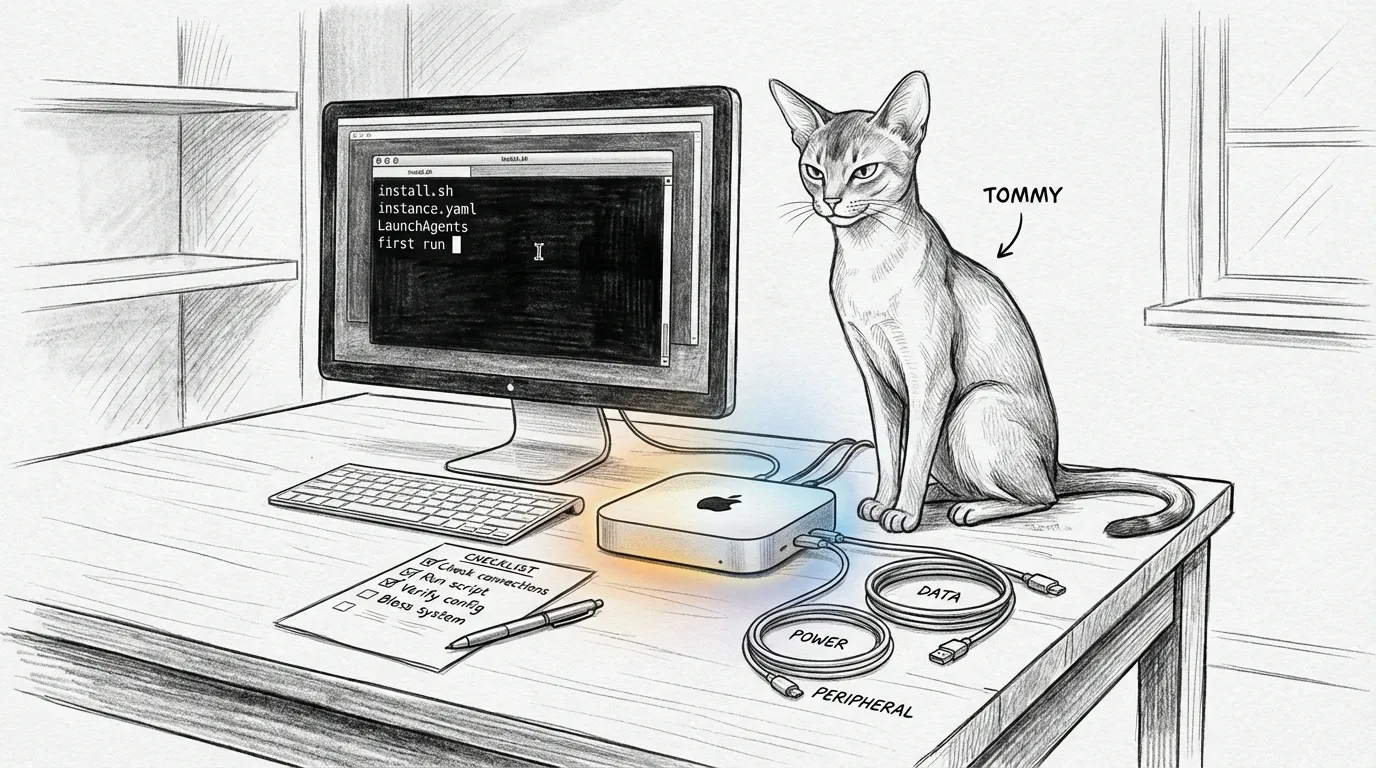
The Mac Mini’s been out of the box maybe four minutes. Tommy’s already curled on top of it like he co-signed the lease. (He’s vetted every Mini that ever ran Sanctum and rejected exactly none — low bar, but the cat’s never wrong.) Terminal’s open, cursor blinking, and you’re about to hand this little aluminum puck the keys to the whole haus: the lights, the photos, the AI that’s been quietly couriering your group chats off to some data center in Virginia. Here’s what nobody tells you on setup day — a backup you’ve never restored is a rumour, and most “smart haus” setups run entirely on rumours. This page is the one that makes sure yours doesn’t.
Want the friendly 4-step version? Start with Quick Start — same canonical flow, terser. This page goes deeper: troubleshooting, a verification protocol, and an operator-grade appendix for running from source.
The canonical install path
Section titled “The canonical install path”Sanctum’s public install path is the Homebrew tap at Ogilthorp3/homebrew-sanctum. The tap installs the sanctum-cli Python application, which orchestrates the rest — AI setup, network pairing, cloud backup, and a restore canary.
-
Install Homebrew if you don’t already have it.
Terminal window /bin/bash -c "$(curl -fsSL https://raw.githubusercontent.com/Homebrew/install/HEAD/install.sh)"Homebrew installs into
/opt/homebrew/and asks once for your administrator password — that prompt is Apple’s installer creating directories under/opt/, not Homebrew. When it finishes,brew --versionprints something likeHomebrew 5.x.x. -
Install
sanctum-clivia the Homebrew tap.Terminal window brew install ogilthorp3/sanctum/sanctum-cliThis pulls in Python 3.12 and
resticif you lack them (resticis the backup engine), creates a private virtual environment under Homebrew’slibexec, fetches the currentsanctum-clitag and its runtime Python dependencies from PyPI, and symlinks thesanctumcommand into/opt/homebrew/bin/sanctum.Confirm:
Terminal window sanctum --helpYou should see a help screen. The eight commands a new operator meets are
status,doctor,onboard,backup,cloud,chat,agent, andconfig; the rest wait until you need them.--helpis the authoritative list. -
Run the one-shot onboarding flow.
Terminal window sanctum onboard --recipe familyOnboarding is a guided arc with named chapters — Welcome → Your AI → Your Network → Your Data → You’re Alive — a step counter, and a green check per step that lights only on genuine configuration or verification. A recap card closes it out.
- Your AI connects Claude and Gemini. Credentials go to the macOS Keychain. Skip both if you only want the local Dragon.
- Your Network looks for a Bell hub, a Firewalla, and an Orbi. Skip it on a friend’s Mac. Those devices live on the operator’s haus.
- Your Data is what the
familyrecipe was built for: a curated ~5 GB backup set, a pre-flight size check against R2’s free tier, the backup itself, and a round-trip restore of~/.zshrcas a canary. That round-trip is the proof, not a rumour.
When it finishes, you’ll see a green panel: “Your Sanctum is alive, <your name>.” The local model is the Dragon, installed from the Quick Start.
sanctum chatreaches the operator’s council, and on a fresh Mac it tells you that council is not here. The studio bundle, when the operator hands it to you, seats your own council on the Dragon. -
Verify the install.
Terminal window sanctum status # one-line health snapshotsanctum doctor # full diagnosticstatusprints a single line ending in green text.doctorruns deeper checks: thecom.sanctum.*LaunchAgents, the AI providers (Claude, Gemini, the local MLX seat), and the restic backup repos — a realrestic checkon each. One OK line when healthy,--fullfor every row. Everything green is the goal.
What you just got
Section titled “What you just got”| What | Where | How long it lasts |
|---|---|---|
| Daily backups (verified) | com.sanctum.backup LaunchAgent, 04:00 | Forever, automatic |
| Restore canary (proves round-trip works) | com.sanctum.backup-canary LaunchAgent, weekly (Sun 06:00) | Forever, automatic |
| Health snapshot command | sanctum status | On-demand |
| Deep diagnostic | sanctum doctor | On-demand |
| Local Dragon chat | the Dragon folder, or ./yoda.sh in the studio bundle | On-demand |
| Audit log of every action | ~/.sanctum/logs/ with bounded rotation | Rolls at 10 MB per file |
| Credentials in macOS Keychain | security find-generic-password -a sanctum-backup -s sanctum-backup-key | Until you rotate them |
No phone-home. Nothing leaves your Mac unless you configured a cloud backup target — encrypted with a key only you control.
When something goes sideways
Section titled “When something goes sideways”Most install runs work first time. The ones that don’t usually hit one of these.
”Your Command Line Tools are too outdated”
Section titled “”Your Command Line Tools are too outdated””brew install checks for Xcode’s Command Line Tools and refuses to build dependencies if they’re missing or stale.
# Check what's installedxcode-select -ppkgutil --pkg-info=com.apple.pkg.CLTools_Executables
# Install or updatesudo xcode-select --install
If the install dialog doesn’t appear, check System Settings → Software Update; Apple sometimes routes CLT updates through there.
”Cloudflare R2 setup failed”
Section titled “”Cloudflare R2 setup failed””The R2 wizard opens browser tabs for the steps that need your input — account, API token, bucket. If a tab didn’t open or you cancelled partway, re-run it:
sanctum cloud setup --backend r2Plain sanctum cloud setup already defaults to R2. The wizard is idempotent — it picks up where you left off. If R2 is slow to provision, wait a few minutes and try sanctum doctor again.
”Permission denied (publickey)”
Section titled “”Permission denied (publickey)””This shows up if you ran sanctum onboard from a different Mac account, or with sudo (don’t). Sanctum stores credentials in your user-level Keychain — run it as your normal user.
”The brew tap failed to clone”
Section titled “”The brew tap failed to clone””If brew install ogilthorp3/sanctum/sanctum-cli fails to clone (Git LFS or a cloning error), your global Git hooks may be blocking it. Check:
git config --global core.hookspathA custom path there means those hooks need to soft-fail when their tools aren’t found — see sanctum-runtime post-checkout hook for the canonical pattern.
”Permissions prompts every time I run sanctum”
Section titled “”Permissions prompts every time I run sanctum””If you keep seeing macOS permission dialogs (“node would like to access X”), the canonical fix lives in runbooks/node-tcc-stop-the-prompts.md. Short version: grant Full Disk Access once to the pinned Homebrew node binary at /opt/homebrew/Cellar/node/<version>/bin/node (Cmd+Shift+G in the FDA pane to paste the path). FDA is a TCC superset, so that single grant silences every SystemPolicy* prompt across the sanctum node services. (It does not cover Automation or Accessibility — separate one-time grants, both in the runbook.)
What’s next
Section titled “What’s next”If everything looks green:
- First Run — the verification checklist (same sanity-check the daily LaunchAgent runs, on demand)
- What Is Sanctum? — context on the why
- The architecture pages, for how it works underneath
- Family Pass installation for sharing the haus (the operator path works today)
If something is failing: run sanctum doctor and read it carefully, check the audit log at ~/.sanctum/logs/ for the failing service, see Troubleshooting, or open an issue on the relevant GitHub repo.
Appendix — Operator-grade install (running from source)
Section titled “Appendix — Operator-grade install (running from source)”Running Sanctum from the source tree rather than the published binary uses a separate flow that installs the full audit-wall toolchain and the checked-in renderers.
The legacy sanctumctl operator CLI drives the daily audit-wall and the release gate (tools/sanctum-release.sh), not new users. If you’re maintaining a fork or building from a tag:
# From inside the checked-in workspacepython3 tools/sanctumctl.py bootstrap --write # writes the ~/.sanctum scaffoldpython3 tools/sanctumctl.py doctor # runs the audited verification wallThat writes the ~/.sanctum scaffold (annotated instance.yaml.example plus a node identity file) and runs the audited verification wall; bootstrap without --write previews first. The renderer just stopped trusting you to type it all by hand.