

Troubleshooting
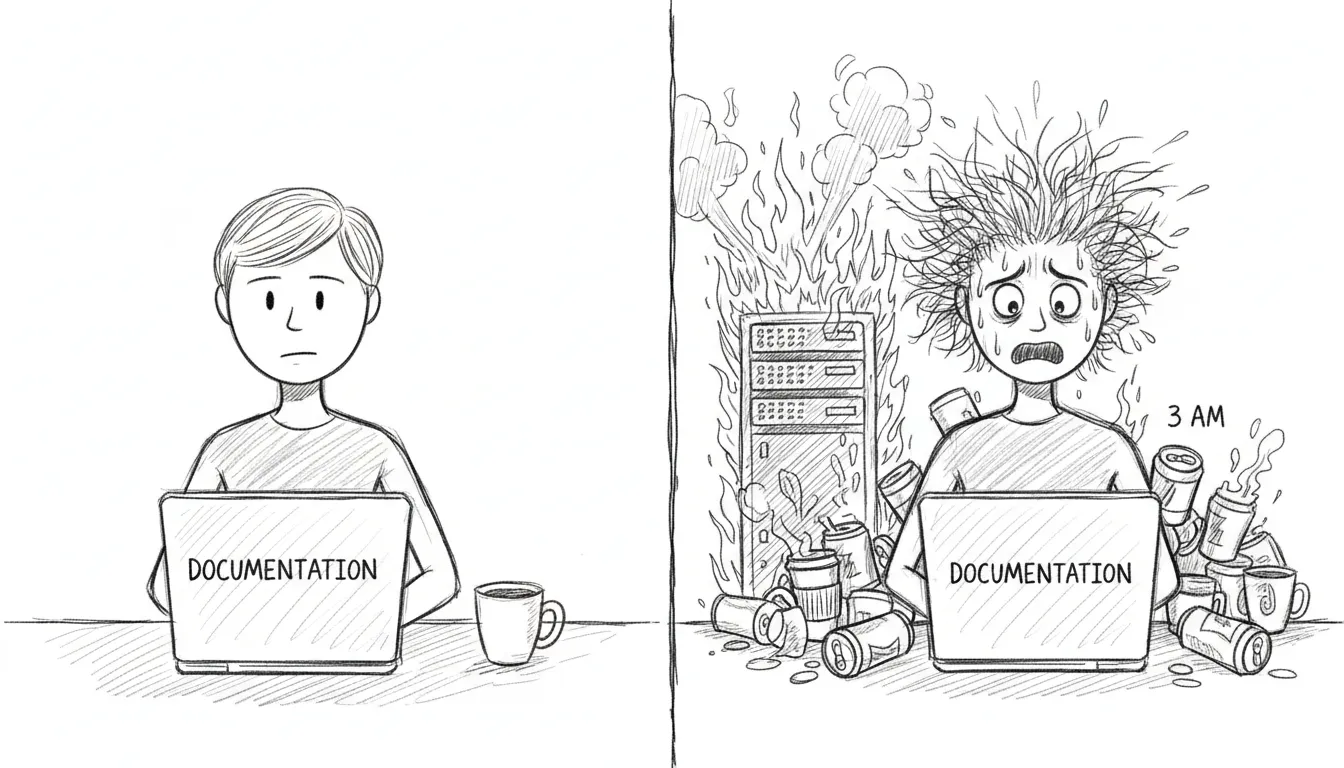
If you’re here, something has gone wrong. We’re not going to sugarcoat that. But most things that go wrong have gone wrong before, and the solutions are written down on this page, which means you’re already in better shape than the first time each of these problems was encountered at 2 AM with nothing but man launchctl and a growing sense of dread.
VM Unreachable
Section titled “VM Unreachable”Symptom: SSH to VM times out, dashboard shows VM as down.
The VM lives in a sealed room with one door. If you can’t reach it, either the room is gone or the door is locked.
Check:
- Is UTM running?
pgrep -f UTM - Is bridge100 configured?
ifconfig bridge100 - Can you ping the VM?
ping 10.10.10.10
Fix:
# Restart UTM autostart (reconfigures bridge100)launchctl bootout gui/$(id -u)/com.sanctum.utm-autostartlaunchctl bootstrap gui/$(id -u) ~/Library/LaunchAgents/com.sanctum.utm-autostart.plistService Down
Section titled “Service Down”Symptom: Health check shows a service as failed.
Quick fix:
bash ~/Projects/openclaw-skills/service-doctor/scripts/service-doctor.sh --fixThe service doctor knows how to restart most things. If it can’t fix the problem, it will at least tell you what’s wrong in language more helpful than a cryptic exit code.
LaunchAgent Not Loading
Section titled “LaunchAgent Not Loading”Symptom: launchctl list <label> returns “Could not find service.”
A plist that isn’t loaded is just an XML file sitting in a directory, dreaming of being useful.
Fix:
launchctl bootstrap gui/$(id -u) ~/Library/LaunchAgents/<label>.plistCheck plist validity:
plutil -lint ~/Library/LaunchAgents/<label>.plistExpired Token (401 Unauthorized)
Section titled “Expired Token (401 Unauthorized)”Symptom: Gateway logs show 401 Unauthorized.
A token has died of old age. This happens monthly if rotation didn’t run, or immediately if you rotated manually and forgot to propagate the new token somewhere.
Fix: Rotate the affected token:
bash ~/Backups/rotate-secrets.shOr for just the gateway token:
openclaw setup-tokenConfig Changes Not Taking Effect
Section titled “Config Changes Not Taking Effect”The JSON cache may be stale. The shell and TypeScript libraries read from .instance.json, not directly from instance.yaml. If you edited the YAML, the cache needs to catch up.
Force regeneration:
touch ~/.sanctum/instance.yaml# Next config read will regenerate the cacheDashboard Not Loading
Section titled “Dashboard Not Loading”- Check if the backend is running:
curl http://localhost:1111/api/health/status - Check the LaunchAgent:
launchctl list com.sanctum.dashboard - Check port 1111:
lsof -i :1111
If port 1111 is occupied by something that isn’t the dashboard, you’ve found your problem. Kill the interloper, reload the LaunchAgent, and carry on.
Watchdog False Alarms
Section titled “Watchdog False Alarms”If the watchdog keeps alerting for a known-down service — one you’ve intentionally stopped, or one that’s in maintenance — the deduplication state may need clearing.
# Check dedup statecat ~/.sanctum/.watchdog-state
# Clear state to reset deduprm ~/.sanctum/.watchdog-state
The watchdog will rebuild its state file on the next run. This is harmless. The worst that happens is you get one extra notification cycle before dedup kicks back in.