

Backup & Restore
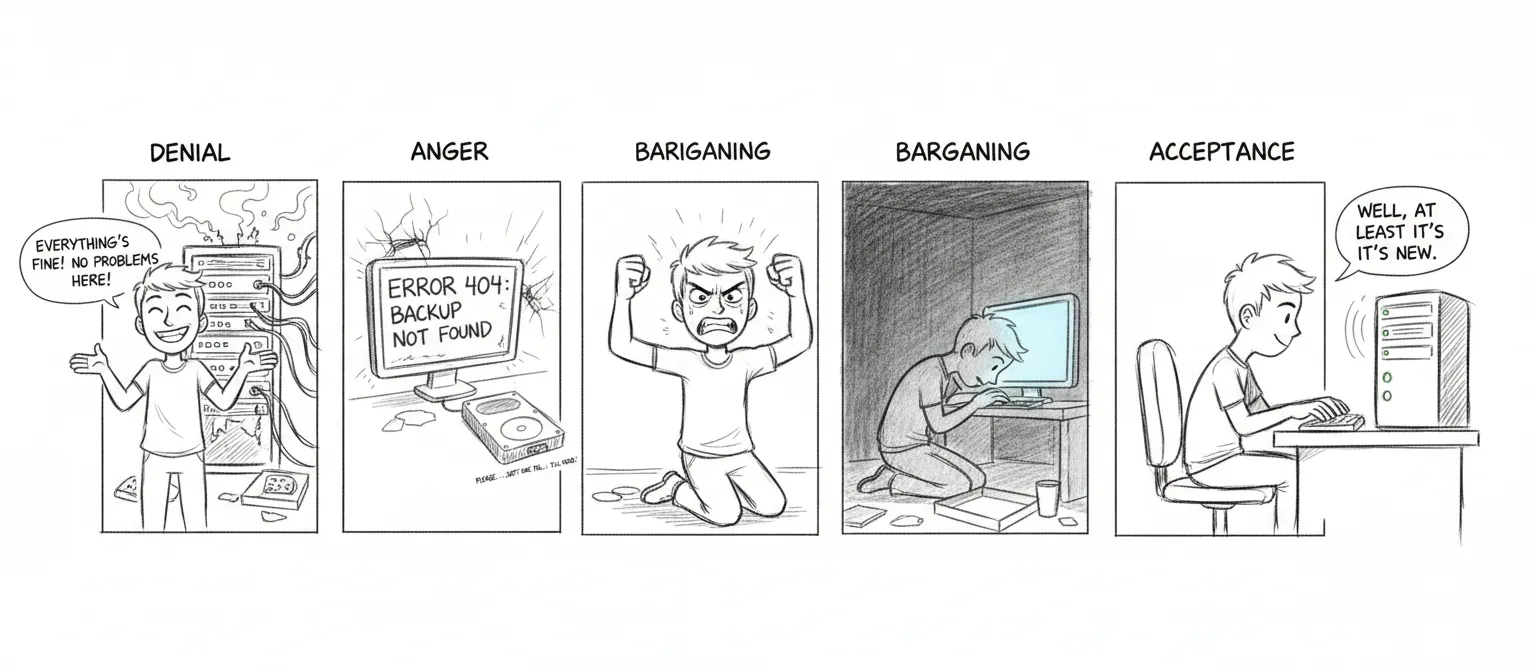
If you’re reading this calmly, on a Tuesday afternoon, with a cup of coffee — good. You’re doing this right.
If you’re reading this at 3 AM because a disk just made a sound disks should never make — we’re sorry. But this is exactly why this page exists, and past-you was smart enough to set up backups. Unless past-you didn’t, in which case present-you has our deepest condolences.
Daily Backup
Section titled “Daily Backup”Runs automatically at 4:15am via cron — an hour when nothing good or bad is happening, which is precisely the hour you want for the thing standing between you and oblivion.
# Manual runbash ~/Backups/sanctum-backup.shWhat Gets Backed Up
Section titled “What Gets Backed Up”- OpenClaw config (
~/.openclaw/) - Sanctum config (
~/.sanctum/) - All LaunchAgent plists
- SSH keys and config
- 6 project directories
- TTS models and voice files
- Crontab, Homebrew package lists
- Docker container state and tool versions
Backup Location
Section titled “Backup Location”iCloud/Backups/daily/YYYY-MM-DD/mac/7-day retention (older backups auto-pruned). Seven days. One week. Enough time to notice something is wrong, but not so much that you’re hoarding digital ghosts. After a week, the universe has moved on. So should your backups.
Encryption
Section titled “Encryption”Sensitive files (SSH keys, secrets) are encrypted with AES-256-CBC using a key stored in macOS Keychain (sanctum-backup).
VM Snapshot
Section titled “VM Snapshot”Weekly automated snapshot (Sundays 3am):
bash ~/Backups/vm-snapshot.shCreates compressed copies of the VM disk image and EFI vars:
iCloud/Backups/VM/qcow2.zstiCloud/Backups/VM/efi_vars.fd.zst
Uses live copy (no VM suspend) with SSH sync before snapshot. The VM keeps running. It doesn’t even know it’s being photographed.
Restore
Section titled “Restore”Seven phases. Like grief, but more useful.
- Homebrew — Restore package list,
brew install - Dotfiles & SSH — Restore keys, shell config
- App configs — OpenClaw, Sanctum, HA
- Projects — Restore git repos
- LM Studio — Re-download models (not backed up due to size)
- Docker — Restore container configs
- LaunchAgents — Restore plists, bootstrap services
bash ~/Backups/sanctum-restore.shBackup Scripts
Section titled “Backup Scripts”| Script | Purpose |
|---|---|
sanctum-backup.sh | Full daily Mac backup |
sanctum-restore.sh | Multi-phase restore |
vm-snapshot.sh | Weekly VM disk snapshot |
rotate-secrets.sh | Monthly secret rotation |
Four scripts between you and starting from scratch. Treat them with the respect you’d give a fire extinguisher — boring until the day they’re the only thing that matters.