

Skill Development
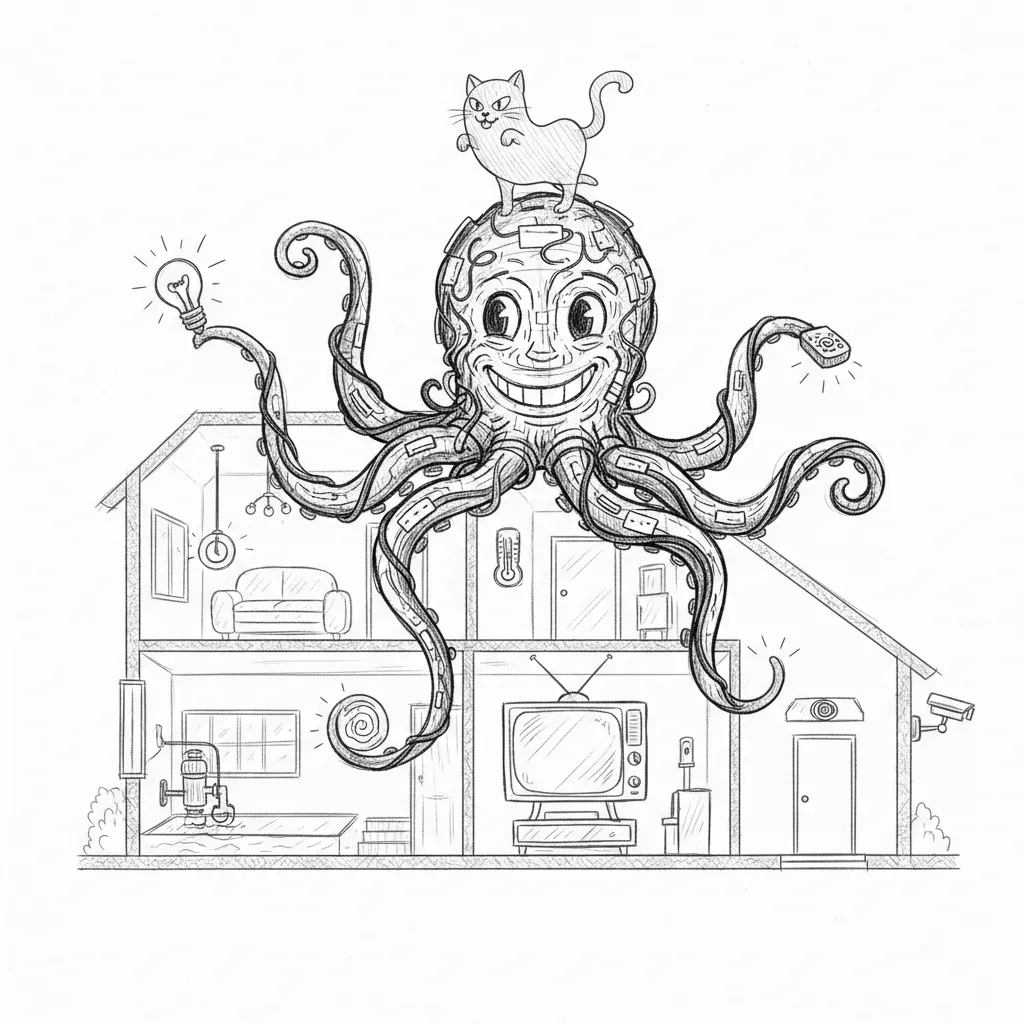
Skills are how you teach the council new tricks. Each skill is a self-contained package — documentation, executable tools, configuration — that any agent can pick up and use. You build it once, push it to GitHub, and thirty minutes later a Jedi named after a Mon Calamari healer can invoke it on a VM that has never seen the internet. The future is strange and beautiful and running on cron.
Skill Structure
Section titled “Skill Structure”Every skill follows a standard directory layout:
skill-name/├── SKILL.md # Skill documentation and usage instructions├── tools/ # Executable scripts│ ├── tool-one.sh│ ├── tool-two.sh│ └── tool-three.py└── config/ # Optional configuration filesSKILL.md
Section titled “SKILL.md”The SKILL.md file serves as both human documentation and agent instructions. It describes the skill’s purpose, available tools, required parameters, and usage examples. Agents read this file to understand how and when to invoke the skill’s tools. Write it well — your agents are only as smart as the instructions you give them, and they will follow bad instructions with absolute confidence.
Tools Directory
Section titled “Tools Directory”The tools/ directory contains executable scripts that agents can invoke. Tools are typically shell scripts or Python scripts with clear input/output contracts. Each tool should:
- Accept parameters via command-line arguments or environment variables
- Write structured output to stdout
- Return meaningful exit codes (0 for success, non-zero for failure)
- Include error messages on stderr
Available Skills
Section titled “Available Skills”The skills repository contains the following skills:
| Skill | Description |
|---|---|
| apple-toolkit | Unified Mac management: iMessage, WhatsApp, Signal, Slack messaging, LaunchAgents, boot checks, iCloud backup and filing |
| mac-mini-ops | UTM VM control, LM Studio model operations, network topology |
| dench-ops | Gateway restart, auth token refresh, plugin and model management, troubleshooting |
| firewalla-toolkit | Firewalla network management: rules, DNS, device monitoring |
| council-bridge | Jocasta-Yoda cross-instance agent communication |
| council-router | Agent routing, escalation configuration, port and service tests |
| house-pulse | Home monitoring and environmental status |
| reboot-check | Post-reboot verification of services and connectivity |
| service-doctor | Service health diagnosis and automated repair |
| yoda-voice | Voice agent management and TTS configuration |
| orbi-toolkit | Orbi router and access point management |
| memory-vault | Persistent memory storage and retrieval |
Twelve skills. One repository. Six agents and a dead cat. If any of them ever unionize, you’re in trouble.
Skills Repository
Section titled “Skills Repository”The shared skills repository lives at ~/Projects/openclaw-skills on the Mac and is cloned from a private GitHub repository.
~/Projects/openclaw-skills/├── apple-toolkit/├── mac-mini-ops/├── dench-ops/├── firewalla-toolkit/├── council-bridge/├── council-router/├── house-pulse/├── reboot-check/├── service-doctor/├── yoda-voice/├── orbi-toolkit/└── memory-vault/Both the Mac (DenchClaw) and VM (OpenClaw) gateways load skills from this directory via the extraDirs configuration in their respective openclaw.json files. Skills appear under the openclaw-extra source in the gateway’s skill listing.
Sync Pipeline
Section titled “Sync Pipeline”The VM has no direct internet access (host-only networking), so skills are synced through the Mac using a two-stage pipeline. The VM is, essentially, an air-gapped system that receives care packages from the outside world.
GitHub Repository │ ▼ git pull (every 30 min)Mac: ~/Projects/openclaw-skills/ │ ▼ rsync (every 30 min)VM: ~/Projects/openclaw-skills/Schedule
Section titled “Schedule”A Mac cron job runs every 30 minutes:
*/30 * * * * cd ~/Projects/openclaw-skills && git pull && rsync -az --delete ./ [email protected]:~/Projects/openclaw-skills/git pullfetches the latest changes from GitHub to the Macrsyncmirrors the Mac copy to the VM over SSH- The
--deleteflag ensures removed skills are also removed on the VM
Developing a New Skill
Section titled “Developing a New Skill”-
Create the directory under
~/Projects/openclaw-skills/with a descriptive name using kebab-case. -
Write SKILL.md documenting the skill’s purpose, tools, parameters, and examples. This file is critical as agents rely on it to understand tool usage.
-
Add tools to the
tools/directory. Make them executable (chmod +x). Use shell scripts for system operations and Python for data processing. -
Test locally by invoking tools directly from the command line to verify inputs, outputs, and error handling.
-
Commit and push to GitHub. The sync pipeline will distribute the skill to both Mac and VM within 30 minutes.
-
Verify by asking an agent to list its available skills and confirm the new skill appears.
Tool Conventions
Section titled “Tool Conventions”- Use
#!/bin/bashor#!/usr/bin/env python3shebangs - Accept the most important parameter as the first positional argument
- Use environment variables for configuration that rarely changes
- Output JSON when returning structured data
- Log diagnostic information to stderr, not stdout
- Keep tools focused on a single action
Skill Loading
Section titled “Skill Loading”Gateways discover skills at startup by scanning configured directories. The loading process:
- Enumerate all subdirectories in the skills path
- Check for a valid
SKILL.mdin each subdirectory - Parse the skill metadata from
SKILL.md - Register available tools from the
tools/directory - Make skills available to all agents on that gateway